

Run a procedure in the field
A procedure is the checklist you complete while you do the work — a service routine, a toolbox talk, a point-of-inspection round. Running it in the app captures the answers, the readings and the photos as you go, so nothing has to be written up afterwards.
Start the run
Section titled “Start the run”- Open the work order and start its procedure, or go to Procedures and select Run a procedure.
- Pick the Procedure. Only published procedures can be run.
- Choose what it’s Used for — a work order, a PM schedule, a toolbox talk, or a point-of-inspection check.
- Select the Work order it belongs to, or the Asset for an inspection round. The app asks for whichever one the procedure requires.
- Select Start.
Clear the pre-work safety step
Section titled “Clear the pre-work safety step”Before the first question, the run shows Pre-work safety: the PPE you must be wearing, the tooling you need, and the permit covering the job if there is one.
Acknowledge the PPE to continue — the Next button stays disabled until you do.
Answer each step
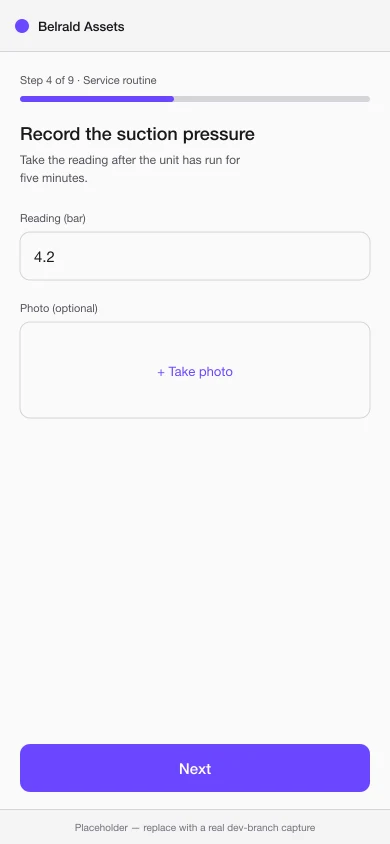
Section titled “Answer each step”Work through the steps in order. Depending on the procedure you’ll be asked for:
- A short text note or a number.
- A yes / no answer, or a choice from a list.
- A meter reading, which is recorded against the meter as well as the run.
- A photo — take it there and then.
- A signature, for a hand-over or a witness.
Steps marked required must be answered before you can finish. Everything you enter is saved as you move on, so a dropped connection or a locked screen won’t lose your work.
Finish the run
Section titled “Finish the run”At the end, the app shows the summary and the result: Passed or Failed, worked out from the procedure’s own pass criteria.
A failure isn’t a dead end — depending on how your workspace is set up, it can raise an incident or a non-conformity automatically, and the run links straight to whatever it created so the follow-up isn’t lost.
Once completed, a run is read-only. Corrections go on the linked job or the follow-up record, not on the finished checklist.
Was this page helpful?
Thanks — your feedback helps us improve these guides.